What is a negative prompt? Examples and support by image tool
A negative prompt tells an image generator what to avoid. Compare tool support, see example prompts, and check what to do when exclusions do not work.
On this page
A negative prompt describes what to leave out
In AI image generation, a negative prompt describes content you want the generator to avoid. Your main prompt describes the image you want. Whether you can give separate exclusion instructions—and how you enter them—depends on the tool and model. [1] [2] [4] [3]
An exclusion is a request, not a guarantee. Check the resulting image before relying on it.
Check which control your image tool supports
These three tools handle unwanted content differently. AUTOMATIC1111 documents negative prompting for its Stable Diffusion implementation. Midjourney uses a prompt parameter, meaning a special instruction added to the prompt. Black Forest Labs says FLUX.2 does not support negative prompts. [1] [2] [3]
| Image tool | Documented support | What to enter |
|---|---|---|
| AUTOMATIC1111 Stable Diffusion | Negative prompting | Describe the desired image in the main prompt and unwanted content in the negative prompt. [1] [4] |
| Midjourney | The --no parameter | Add --no followed by exclusions at the end of the prompt. Separate multiple exclusions with commas. [2] |
| FLUX.2 | No negative-prompt support | Describe what the image should show instead. [3] |
Example prompts for each tool
These fictional examples show how to phrase a request in each tool; they are not before-and-after test results. [1] [4] [2] [3]
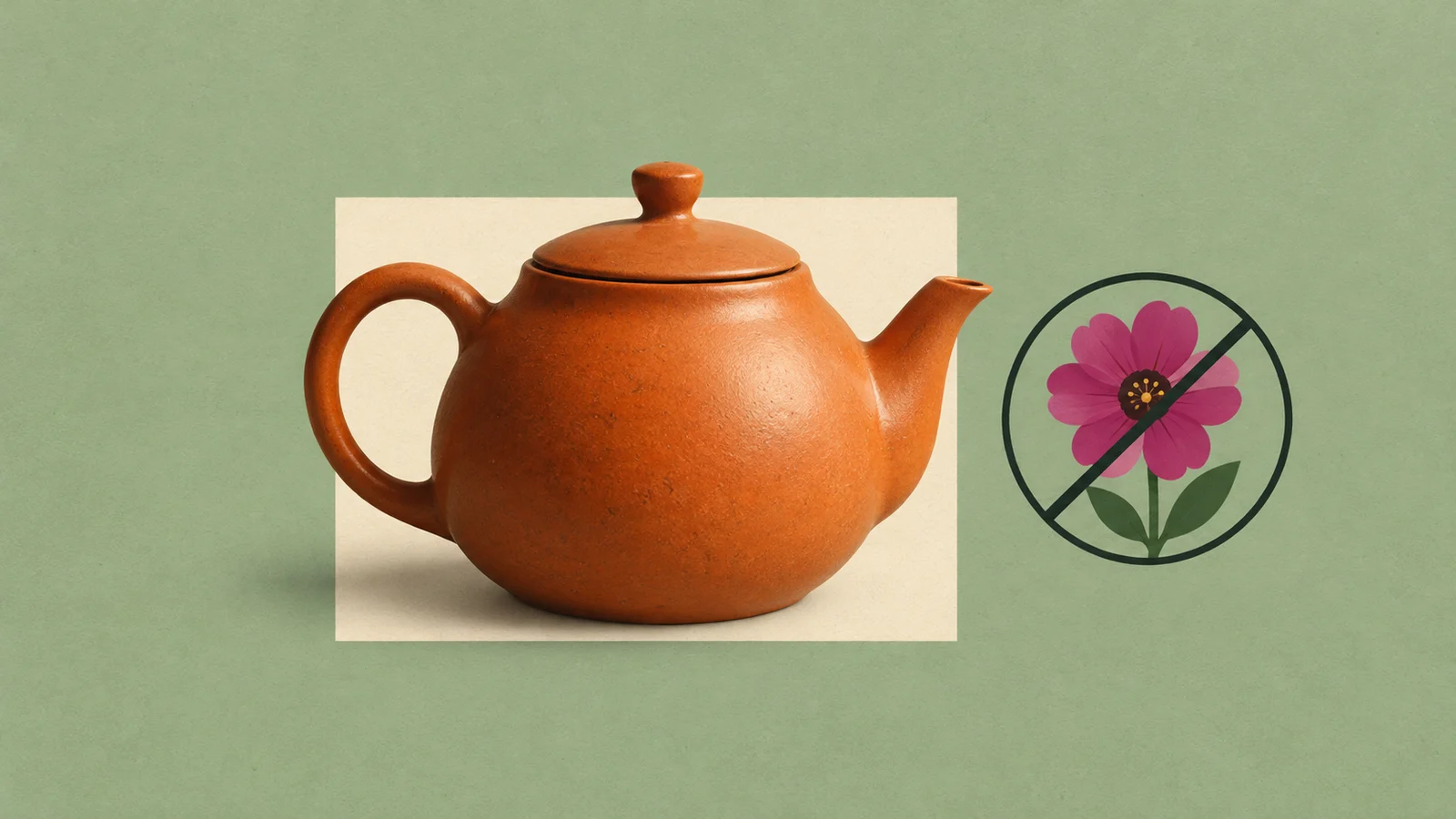
- AUTOMATIC1111: use “A ceramic teapot on a wooden table in morning light” as the main prompt, paired with “flowers” as the separate negative prompt. [1] [4]
- Midjourney: start with “A ceramic teapot on a wooden table in morning light.” To request an exclusion, use “A ceramic teapot on a wooden table in morning light --no flowers.” [2]
- FLUX.2: rewrite “A bookshelf, no ornaments” as “A bookshelf whose shelves contain only neatly arranged books.” [3]
Midjourney reads excluded words separately for moderation
Midjourney warns that its moderation system reads each word following --no independently. A multiword exclusion can therefore trigger an unintended warning. This warning concerns moderation; it does not establish how every part of image generation interprets phrases. [2]
For example, the hypothetical exclusion “--no striped clothing” includes “clothing” as an independent word. If you want a particular outfit, follow Midjourney’s advice and describe it positively in the main prompt, such as “a person wearing a plain blue shirt.” [2]
A short checklist before you revise
Use this checklist to review your request and the image it produces. [1] [4] [2] [3]
- Confirm support for your exact tool and model. Support documented for one implementation should not be assumed for another. [1] [3] [4] [2]
- Use the documented control: negative prompting in AUTOMATIC1111, --no at the end in Midjourney, or a positive description of the desired scene in FLUX.2. [1] [2] [3]
- Check for conflicting instructions. Remove an exclusion if it names something you also ask for in the main prompt. [1] [4] [2] [3]
- Inspect the generated image before revising. Check both the content you wanted to exclude and anything else you wanted to preserve; treat the prompt as a request whose result needs checking. [1] [2] [4] [3]
Check older tutorials against current model documentation
A tutorial can describe a feature that newer models no longer support. Google, for example, labels negative prompting a legacy Imagen feature and says it is absent from imagen-3.0-generate-002 and newer models. [4]
The AUTOMATIC1111 guidance here is specific to its documented Stable Diffusion implementation, and the FLUX.2 guidance reflects Black Forest Labs’ stated model support. Before copying a recipe into another interface, check its documentation for the exact model and exclusion control. [1] [3] [2] [4]
For everyday chatbot tasks, see our guide to writing clearer AI prompts.