Does your phone have wireless charging? Check the exact model
Check your exact phone model for wireless charging, spot exceptions such as Pixel 6a, and separate compatibility from charger or case problems.

On this page
Start with the exact model, not the brand
The reliable way to check is to find your phone’s exact model and read its official charging specifications. Look for wireless charging or Qi support; Qi is a wireless charging standard. A similar name is not enough: Google’s Pixel 6 supports wireless charging, while the Pixel 6a does not. [1] [2] [8] [3] [4]
If the required receiving hardware is missing, an app or a settings toggle cannot add built-in wireless charging. If your model does support it, a failed attempt on one charger can still be a setup or accessory problem. [1] [3] [8]
Find your model and check the specification
Write down the full model name, including suffixes such as “a,” “Pro” or “FE.” For a public specification search, use the model name or model number; you do not need to post your serial number or IMEI, which identify your individual device. [5] [6]
- On iPhone, open Settings → General → About and read Model Name. On a Samsung Galaxy, open Settings → About phone and find the model information. For another brand, follow its model-identification instructions. [5] [6]
- Search the manufacturer’s official support or product site for that exact model. Read its Battery, Power or Charging section for an explicit wireless-charging entry. [1] [2] [8] [3] [4]
- Check the charger requirements as well as the yes/no answer. A phone can receive wireless power yet be incompatible with a particular stand. [1]
Examples: similar phones can give different answers
These examples were checked against manufacturer documentation on 13 October 2026. They illustrate why an exact match matters; they are not a complete phone directory. “Yes” means supported wireless charging, not identical speed or compatibility with every accessory. [1] [2] [3] [4]
| Exact phone | Built-in wireless charging | What to know |
|---|---|---|
| Google Pixel 6 | Yes | Use a charger compatible with the model. [1] |
| Google Pixel 6a | No | Google explicitly excludes it; do not infer support from Pixel 6. [1] |
| Samsung Galaxy S24 | Yes | Included in Samsung’s supported S24 series. [2] |
| Samsung Galaxy A55 | No | Samsung excludes the Galaxy A series. [2] |
| Apple iPhone 16e | Yes, Qi | Listed under Power and Battery in its technical specifications. [3] [4] |
| Google Pixel 9 Pro Fold | Yes, compatible Qi 1.x | Not compatible with Pixel Stand because of coil position. [1] |
Wireless charging, magnets and power sharing are different
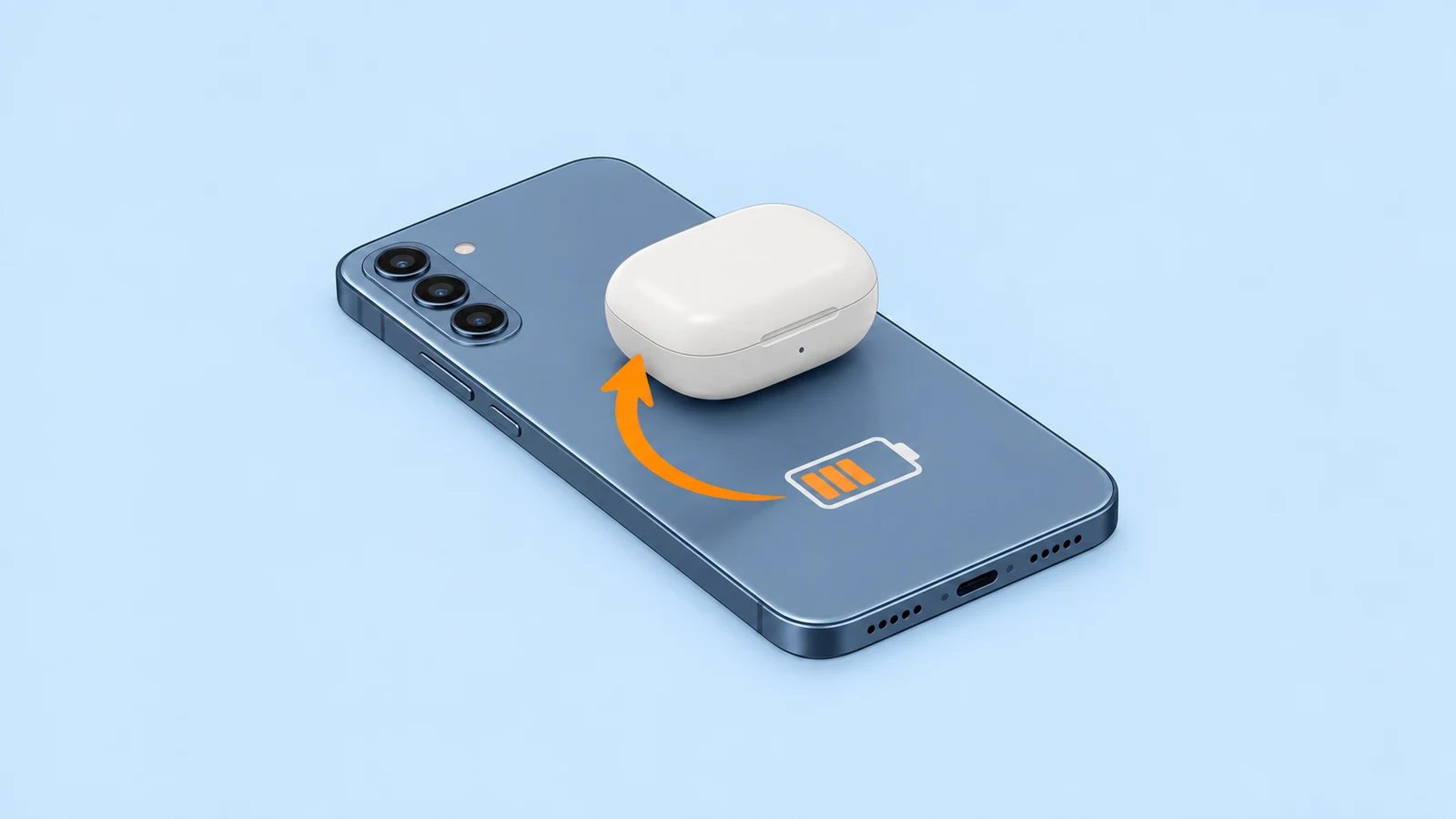
Receiving wireless power means charging your phone from a pad or stand. Reverse wireless charging, such as Samsung’s Wireless PowerShare, means using your phone to charge another device. A PowerShare setting answers a different question from whether your phone can receive power. [2] [7]
Magnetic attachment is different again. The magnets help line up the charging parts; power transfers through coils. A case snapping onto a magnetic mount does not, by itself, prove the phone can charge wirelessly. A passive magnetic ring cannot supply missing charging hardware. [2] [7] [8]
If the specification says yes, try a careful check
Check the phone-and-charger combination before treating the phone as faulty. For example, Google says the Pixel 9 Pro Fold works with compatible Qi 1.x chargers but not Pixel Stand. [1]
- Connect the compatible charger to power using the adapter its manufacturer recommends. Put the charger on a level surface. [2] [3]
- Place the phone screen-up, with its back centered over the charging area. Look for the phone’s charging indicator. [2] [3]
- If charging does not start, remove an obstructing case and reposition the phone. Keep cards and other objects out from between phone and charger. When checking an iPhone, disconnect its USB cable first; it otherwise charges through that connection. [1] [3]
Before you buy a charging pad
Keep this checklist beside the product listing. If official information does not give a clear answer, ask the phone manufacturer with your model number before spending money. [1]
- Exact model confirmed, including any suffix. [5] [6]
- Official specification explicitly lists wireless charging. [1] [2] [8]
- The charger is compatible with that model, and you have its recommended power adapter. [2] [3] [1]
- Check for a case that could interfere with charging, and follow the charger’s alignment instructions. [1] [3]
- You are checking charging support, not just magnetic attachment or a power-sharing switch. [2] [7]