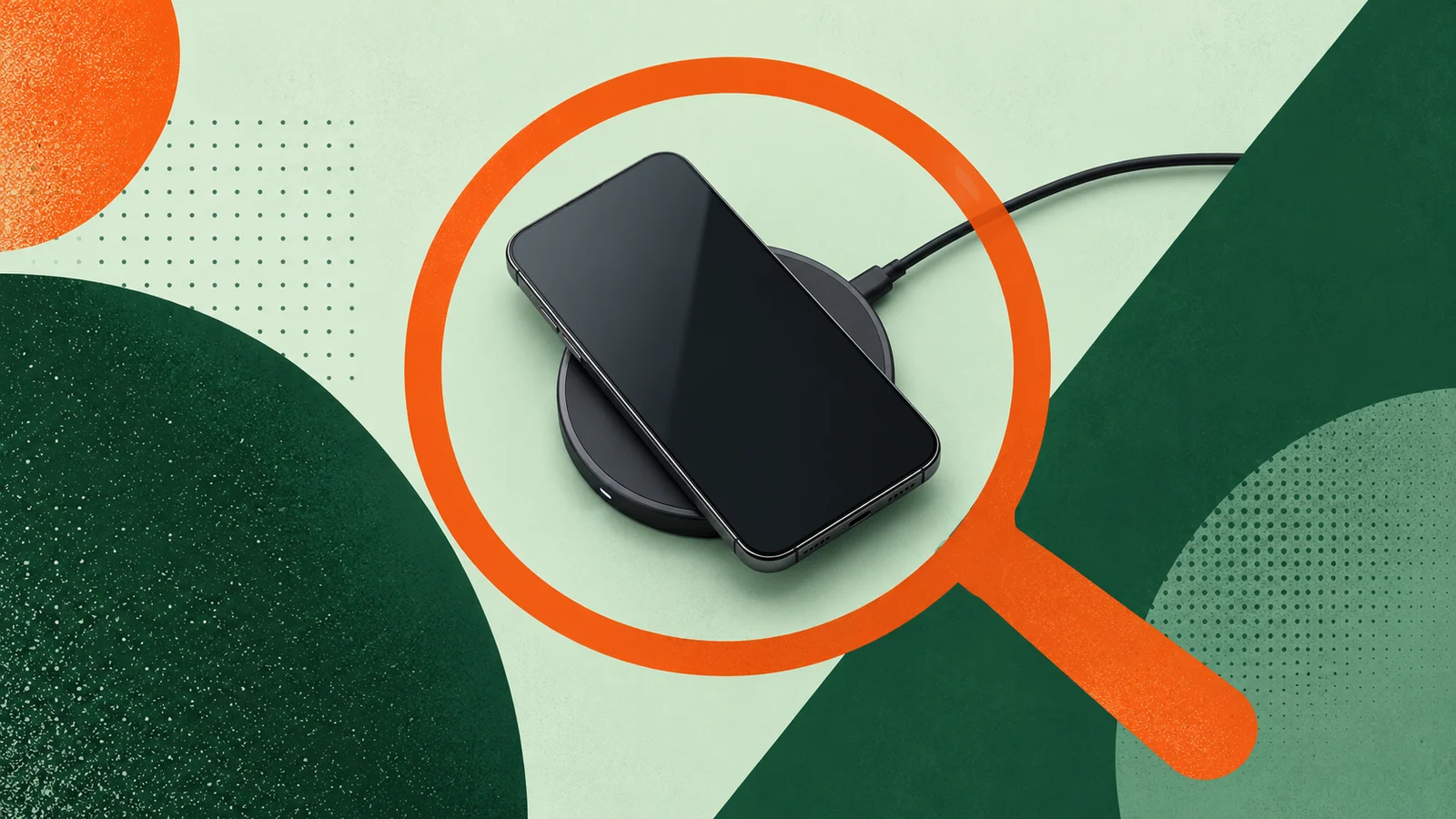
Reverse wireless charging: what your phone can actually charge
Check whether your phone can share power wirelessly, which devices can receive it, and why a wireless-charging watch may still need its own charger.

On this page
Your phone becomes the charger
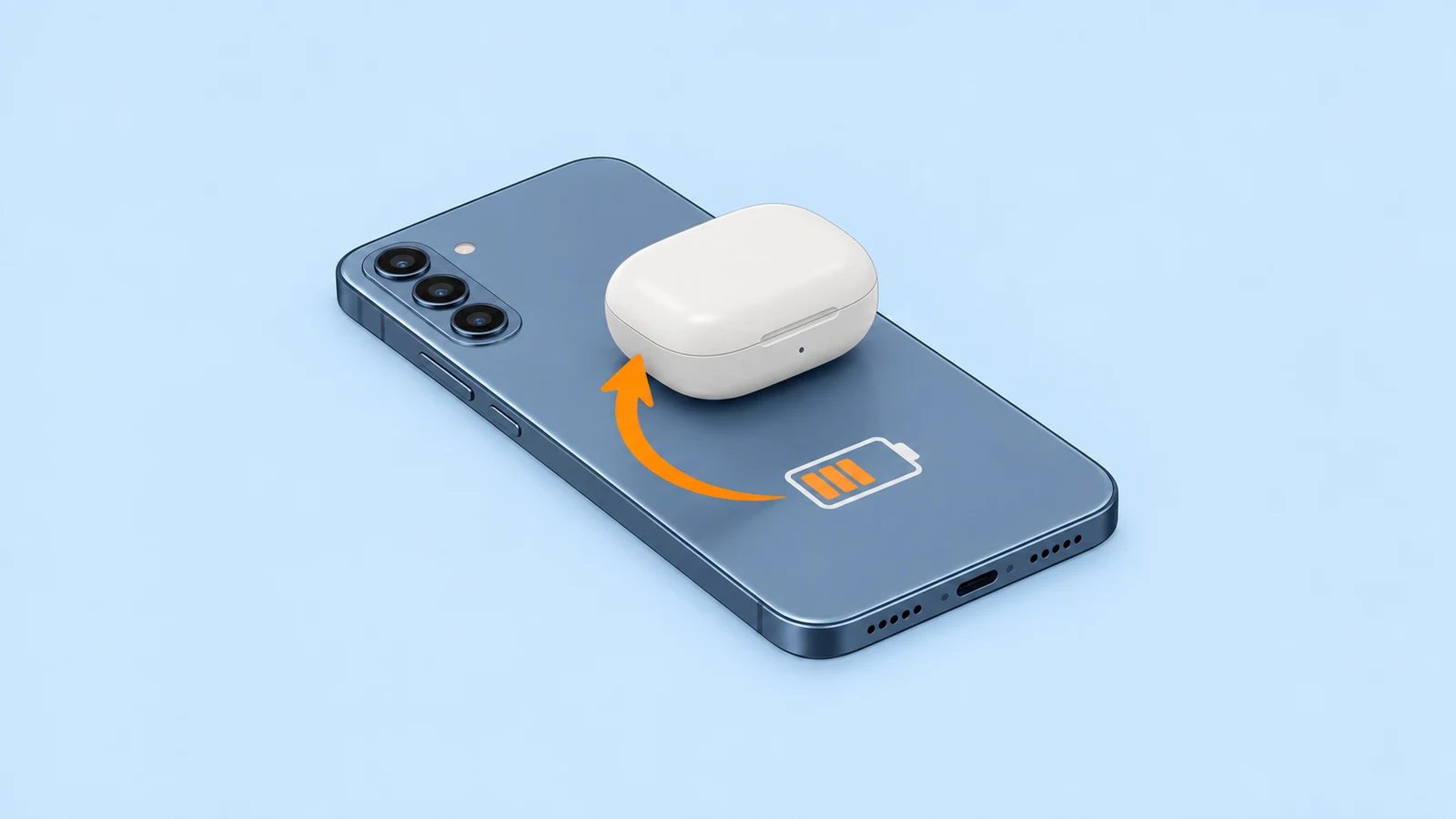
Reverse wireless charging lets a supported phone use its battery to charge another compatible device resting on its back. The important word is supported: check the phone that sends power and the device that receives it separately. [1] [2]
Samsung calls its feature Wireless power sharing; Google calls its version Battery Share. A charging label on a product box does not answer every compatibility question. A watch that charges wirelessly, for example, may still refuse power from a phone. [1] [2] [3]
Receiving, sharing and using a cable are different
Before trying a device pair, identify which job you need. The following distinction avoids confusing a wireless receiver with a phone that can act as a charger. [1] [2] [3] [4]
| Charging job | Where the power comes from | What to verify |
|---|---|---|
| Receive wireless power | A compatible wireless charger or sharing phone | The receiving device supports the required charging method. [1] [2] [3] |
| Share power wirelessly | The battery of a supported phone | The phone explicitly supports Battery Share, Wireless power sharing or an equivalent feature. [1] [2] |
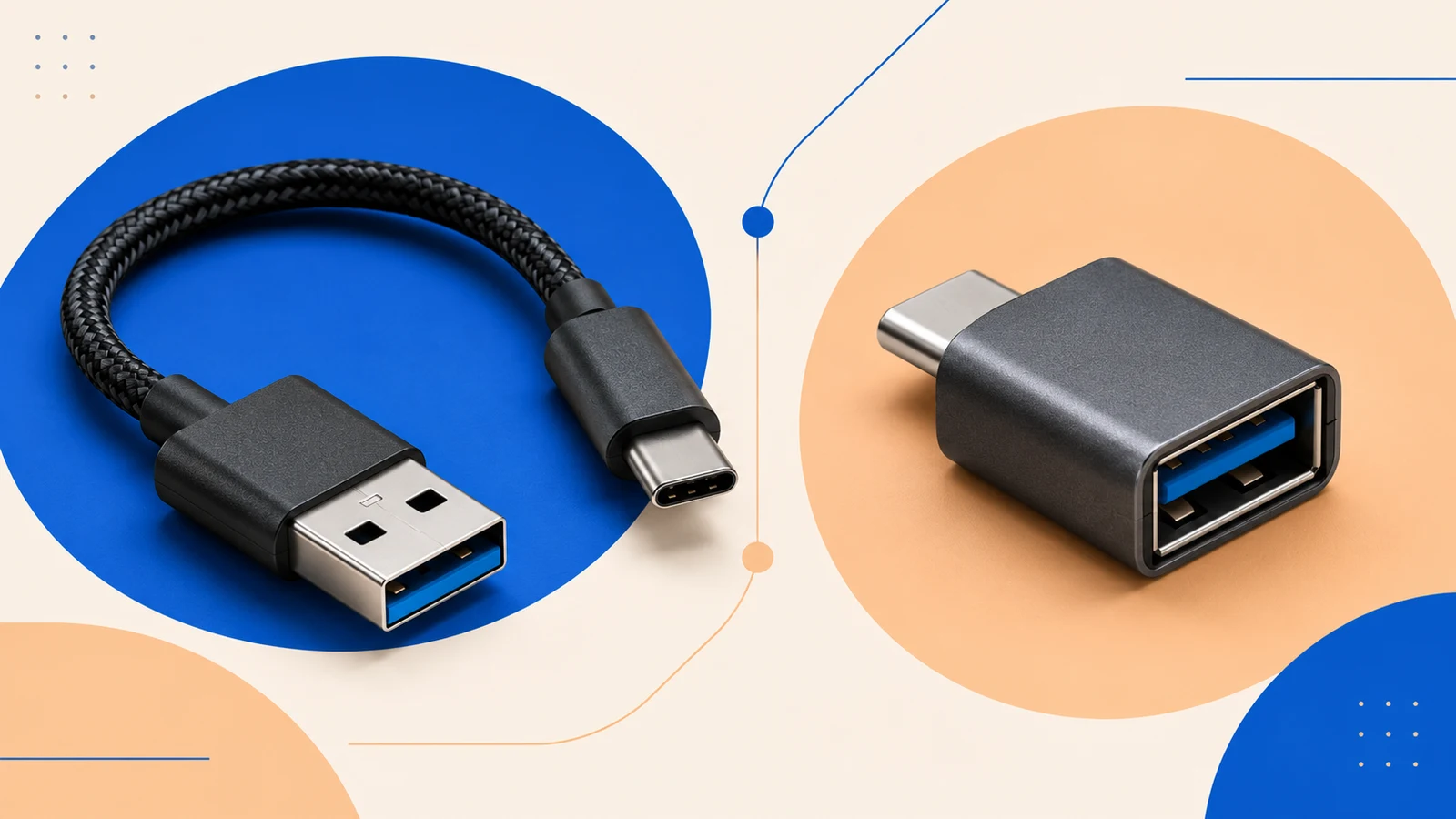
| Share power through a cable | A supported phone’s charging port | The documented cable and receiving device are compatible. [4] |
Compatibility examples worth knowing
These examples illustrate the checks, rather than provide a list of every supported model. Always look up the exact device, including its charging case if you are charging earbuds. For Galaxy devices, consult Samsung support for your model and region; the examples here use its Canadian and UK guidance. [1] [2] [3] [4]
| Device or pair | What the documentation confirms | Practical takeaway |
|---|---|---|
| Pixel 9, 9 Pro or 9 Pro XL → compatible Qi receiver | Google lists these phones as Battery Share senders. Qi is the wireless charging standard required by the receiver. | Enable Battery Share and align the receiver on the phone’s back. [1] |
| Supported Galaxy phone → compatible device | Samsung documents Wireless power sharing and a 30% starting-battery requirement. | Check the exact model; a broad Galaxy family name is not enough. [2] |
| Galaxy Watch7 or Galaxy Watch Ultra | Samsung explicitly excludes these watches from Wireless power sharing. | Use the watch’s recommended charger. Repositioning will not add an unsupported feature. [3] |
| iPhone 15 or later → AirPods or another compatible small accessory | Apple documents up to 4.5W through a cable for AirPods, Apple Watch and small devices supporting USB Power Delivery, a USB charging standard. | This is wired sharing. For Apple Watch, connect its charging cable to the iPhone. [4] |
A checklist before you share power
Start with the sender’s settings. On a supported Pixel, open Settings, then Battery, then Battery Share. Samsung’s guide uses Settings, Battery, Wireless power sharing; the path can vary with the device or software. [1] [2]
- Confirm that the phone can send power wirelessly—not simply receive it. [1] [2] [3] [4]
- Check the receiving device’s exact model and charging requirements, especially for watches. [3] [1] [2] [4]
- Leave enough battery in the sender. Google lets you choose a Battery Share cutoff between 10% and 50%. [1]
- Remove interfering covers or attachments and align the devices. Keep them still while sharing. [2]
- For Galaxy phones, follow Samsung’s advice not to charge the phone while it is sharing power. [2]
If charging starts and then stops
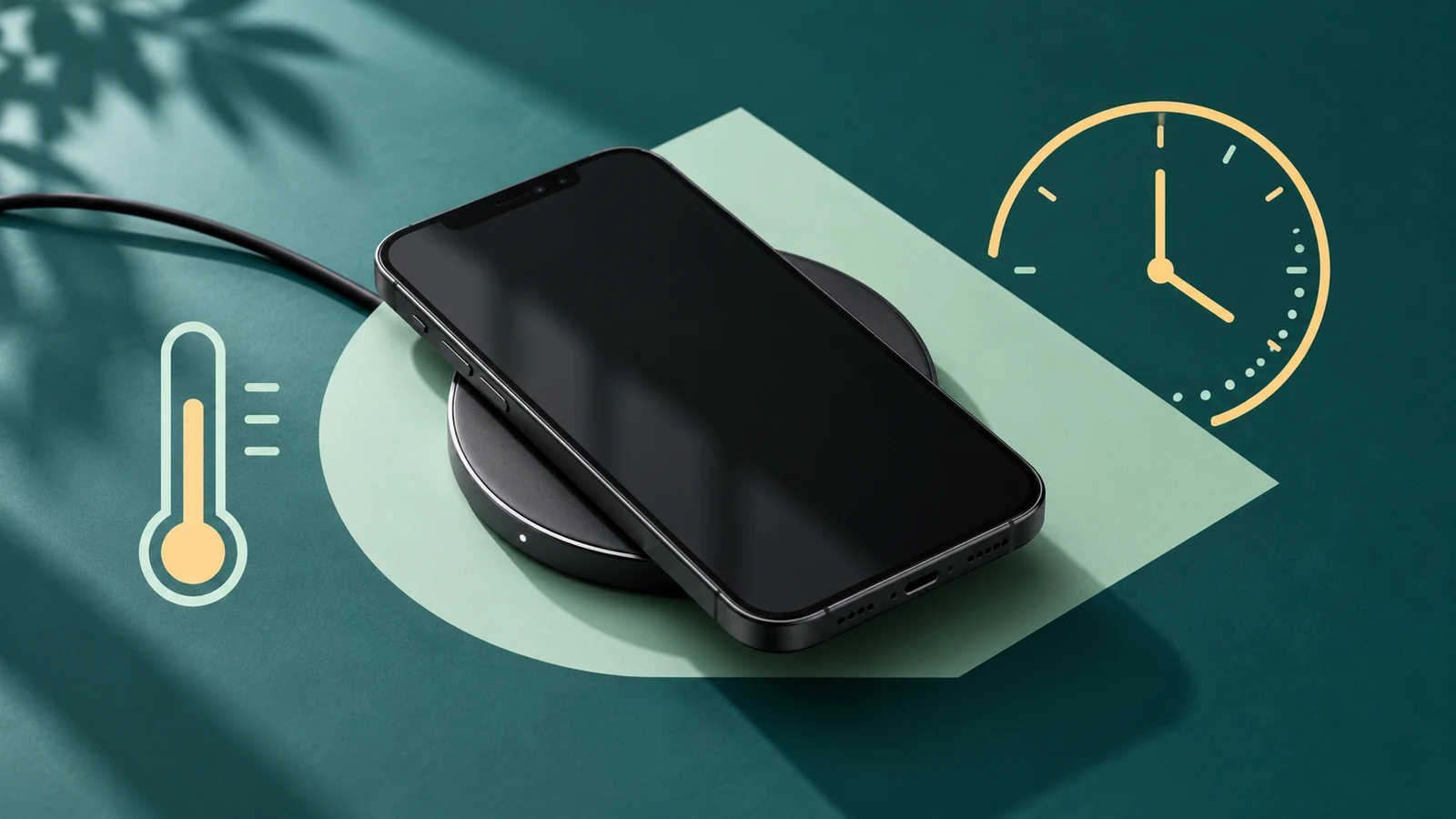
On a Pixel, check placement, a thick case, temperature and Battery Saver. Google also says Battery Share stops on Pixel 9, 9 Pro and 9 Pro XL when wired charging begins. A stop is not automatically evidence of a broken phone. [1]
Do not keep adjusting a device that the manufacturer says is incompatible. Samsung’s Watch7 and Watch Ultra are useful examples: their rear design changes the distance to the charging coil, so Wireless power sharing is unsupported. Their own charger is the appropriate route. [3]
Use three checks to decide what to do next: can the phone send power, can this exact device receive it, and are the operating conditions satisfied? If one answer is no, choose a documented compatible charger or cable instead. [1] [2] [3] [4]