Is wireless charging bad for your battery?
Heat, overnight charging and frequent top-ups explained, with a practical checklist and iPhone and Pixel settings that can help reduce battery wear.

On this page
You can keep using a compatible wireless charger
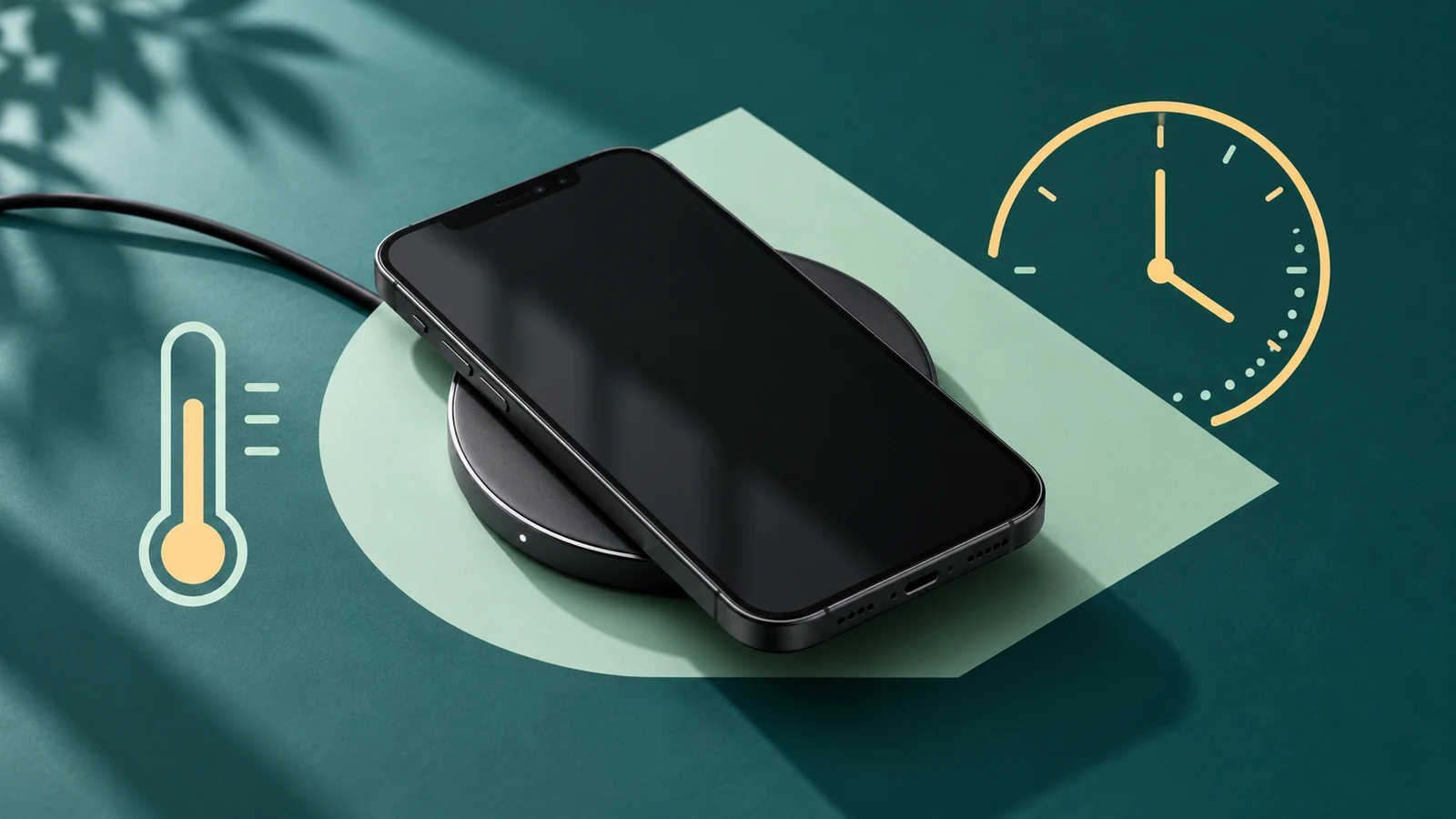
Wireless charging is not automatically bad for your battery. The more useful questions are whether your phone gets too warm and how long it stays fully charged. Use a charger that supports your exact phone, give it room to cool, and use the phone’s supported battery-protection settings. [1] [7] [2] [4] [5] [6]
There is a difference between safe charging and a battery that never wears out. A phone can manage charging safely while its battery gradually loses capacity. That wear affects how long a full charge lasts as the phone gets older. [1] [7] [5] [6]
Wired or wireless: choose by the problem you need to solve
Switching to a cable does not come with a guaranteed battery-lifespan improvement. The manufacturer guidance below supports checking heat, fit and charging habits; it does not establish one percentage by which every wireless charger shortens battery life. [2] [7] [4]
| Your situation | Wireless charging | A sensible next step |
|---|---|---|
| The phone charges normally on a compatible pad | No need to abandon it just because it is wireless. | Keep the setup unobstructed and use supported charging optimization. [1] [7] [2] [4] [5] [6] |
| An iPhone limits charging when it is warm | Apple says software may limit charging above 80% when the battery gets too warm. | Move the iPhone and charger somewhere cooler. [2] |
| Charging repeatedly stops with a case on | A thick or metal case or poor positioning can interfere. | Check alignment and try removing the interfering case. A compatible cable is an alternative. [2] [4] |
| The phone spends hours fully charged | A pad does not remove the benefit of charging optimization. | Use the supported feature that reduces time at full charge. [1] [7] [5] [6] |
Is overnight wireless charging okay?
For iPhone, Apple says it is safe to stay connected to a charger overnight because charging stops when the battery is full. It also recommends unplugging after a full charge when possible and using Optimized Battery Charging to reduce time spent fully charged. Safe overnight charging and reducing long-term wear are compatible goals. [1]
Do not ignore heat just because charging is automatic. Apple warns against using or charging an iPhone in ambient temperatures above 35°C (95°F). That is the temperature around the phone, not a target battery reading. A hot windowsill is a poor place to charge. [1]
A top-up is not a whole charge cycle
Putting a phone on a pad several times does not mean you have used several full charge cycles. Apple defines a cycle by the total battery capacity used: using 75% one day and 25% the next adds up to one cycle, even if you recharge between them. [3]
You do not need to drain the battery completely before charging it again. Think about heat and your phone’s charging settings rather than counting how often you pick it up from the pad. [3] [2] [4] [5] [6]
Check these battery-protection settings
A charge limit below 100% usually leaves less power available for the day. Optimized Battery Charging on iPhone reduces time spent fully charged; Pixel Adaptive Charging aims to finish near your usual unplugging time. Choose based on your routine and check your model’s instructions. An iPhone with a lower limit may occasionally charge fully to keep its battery estimate accurate. [5] [6]
| Phone | Where to look | What the option does |
|---|---|---|
| iPhone 15 or later | Settings → Battery → Charging | Choose a limit from 80% to 100%. At 100%, Optimized Battery Charging is available. [5] |
| iPhone 14 or earlier | Settings → Battery → Battery Health & Charging | Check Optimized Battery Charging. [5] |
| Pixel, where supported | Settings → Battery → Battery health → Charging optimization | Google documents Adaptive Charging and Limit to 80%. Check availability on your model/software. [6] |
A simple wireless-charging checklist
Start with the setup you already have. These checks address the problems described in manufacturer guidance without assuming you need a new charger. [2] [4] [5] [6]
- Confirm that the charger supports your exact phone. A magnetic attachment alone does not establish compatibility. [4] [2] [7]
- Place the phone as the charger manufacturer directs. Keep cards, metal objects and other attachments out from between the phone and pad. [2]
- Use a stable surface in a cool, ventilated spot, away from direct sunlight. [4]
- If charging is slow or unreliable, check alignment and remove an interfering thick or metal case. [2] [4]
- Use your phone’s supported charging optimization. If you need the full battery for a long day, consider that before choosing a lower charge limit. [5] [6]